
If your e-bike display and route app disagree, leave the wheel-size settings alone for now. First compare readings that describe the same trip in the same units. A repeatable difference is useful information; a dashboard number beside an unrelated phone number is not.
Do the comparison while parked, using records you already collected safely. Do not watch a phone while riding or take another ride just to reproduce a fault.
Make the Records Comparable
Check miles versus kilometers on both devices. Then check the start and finish. An app recording that began after you left home cannot be compared directly with the whole trip shown on the bike.
Use the bike's trip distance, or subtract its starting odometer reading from its ending reading. The lifetime odometer total is not the distance for that ride. On the reference record, look for missing stretches, straight lines across places you did not ride, or a recording that stopped early. Set a questionable record aside instead of trying to correct the bike to match it.
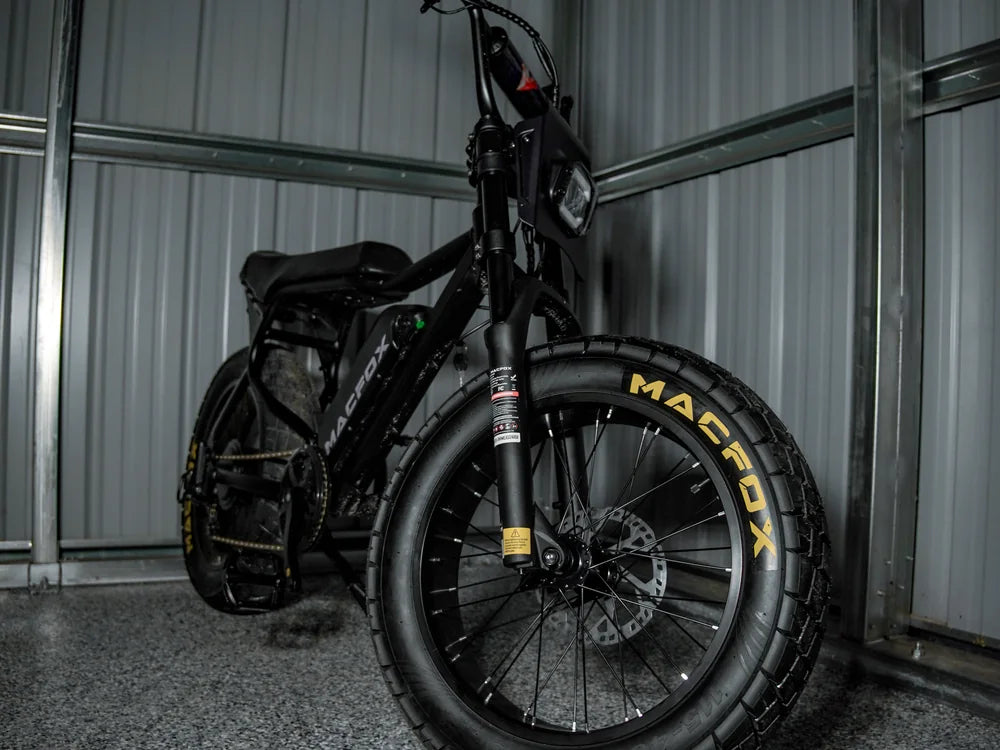
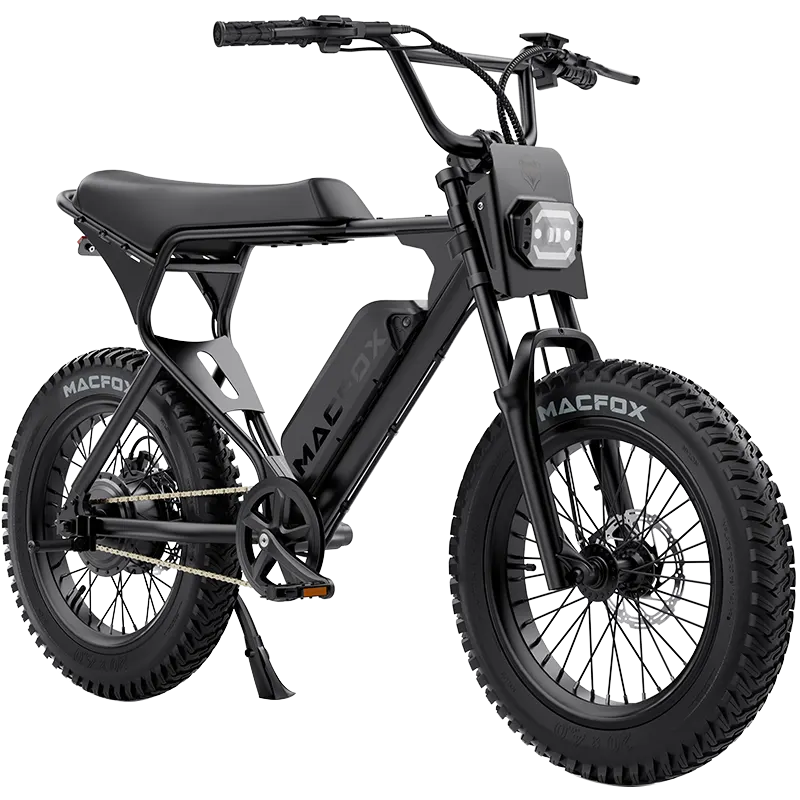
Identify the exact bike and display as well. Different electric bike models should not be treated as interchangeable just because their screens look alike. Note whether the tires, wheels, or display have been changed.
Look for a Repeated Proportion
Divide the bike's recorded distance by the reference distance. For an invented example, a bike showing 6 miles over a reference route of 5 miles gives 6 divided by 5, or 1.2. Another comparable record showing 12 miles against 10 also gives 1.2. Both bike readings are one-fifth higher.
That repeated proportion is a reason to ask the manufacturer to check the original tire and display configuration. It is not a new wheel-size value, proof that the display is wrong, or a diagnosis of a failed sensor. GPS records can vary too.
Compare speed only if you already have records aligned to the same moments. A ride's average GPS speed and an instant dashboard speed describe different things. Without synchronized speed records, skip that calculation; the distance comparison is still worth keeping.
Send the Pattern, Not a New Setting
Random zeros, jumps, or missing distance call for a different conversation from a stable proportion. Record whether the app track has gaps or the bike reading dropped out. If error codes, unexpected assistance, or control problems accompanied the readings, stop riding and use the Macfox troubleshooting guide to identify the relevant support path.
Send the original readings, units, matching start and finish points, model, display photo, and any recent component changes. Keep the records intact. Resetting mileage or experimenting with hidden settings can remove the very comparison that would help support understand the problem.