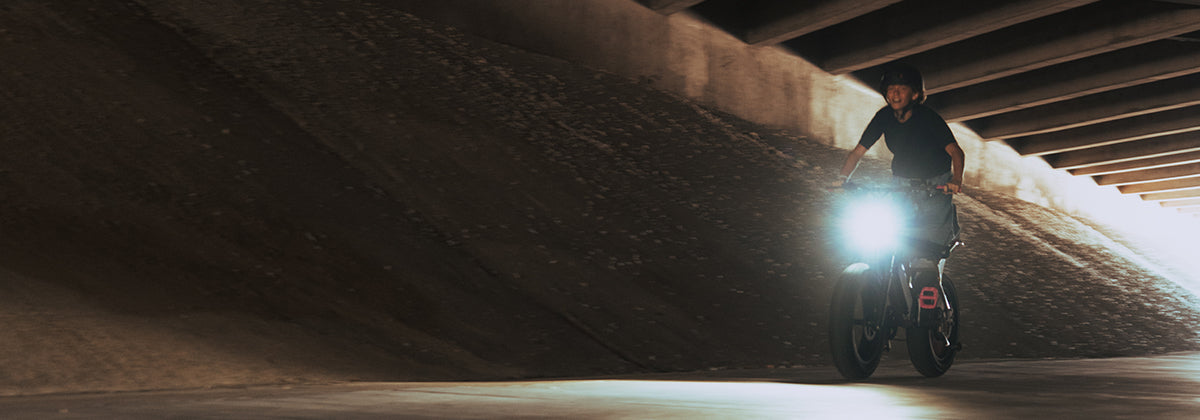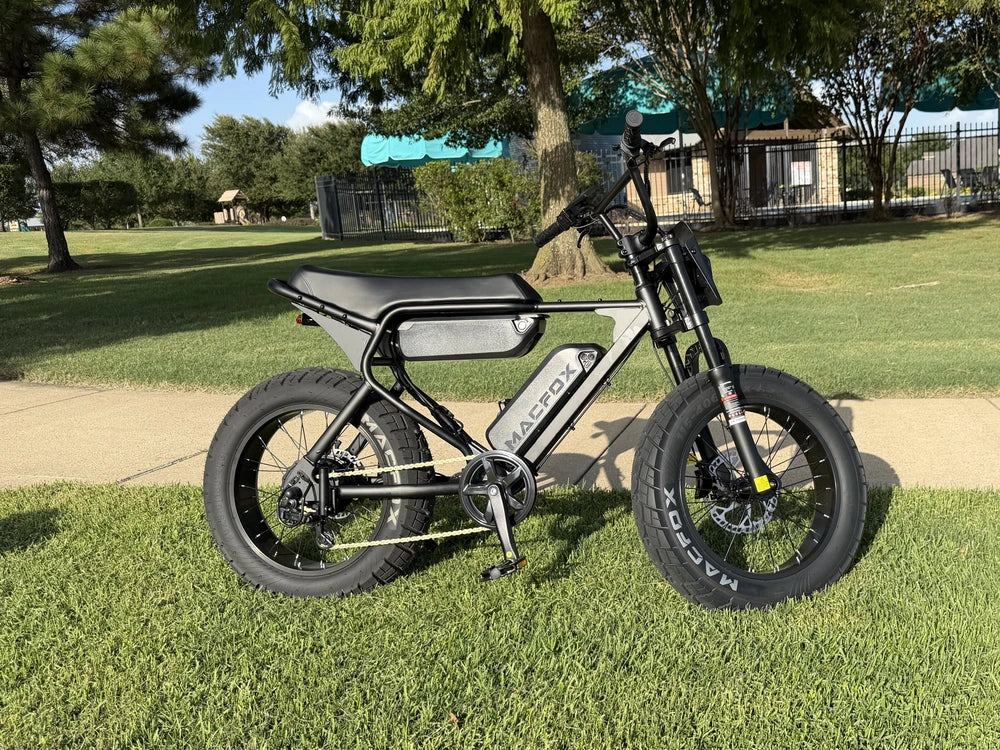

You might want a few minutes from an after-school ride to send your friends. Or you may want the trip recorded even when you have no plans to watch it. Start by looking at action cameras for clips you want to replay and share, and bike dashcams for routine ride recording. There is enough overlap that an action camera you already own may cover both jobs.

How Do Action Cameras and Bike Dashcams Differ?
Both can record a ride on your electric bike. The useful comparison is how you start that recording, keep the parts you want, and get ready for the next trip.
| What matters | Action camera | Bike dashcam |
|---|---|---|
| What you want to record | Footage to watch and share, on the bike and during other activities. | Regular rides, whether or not you expect to watch the footage afterward. |
| Getting started | Choose a recording mode and start it before setting off. | Look for a straightforward start routine and clear recording signal. Automatic start varies by model. |
| Keeping footage | Save selected videos. Some models also offer loop recording. | Often built around loop recording, with options on some models to protect selected segments. |
| Between rides | Charge, manage storage, and transfer the clips you want. | Charge, check recording status, and save important footage before it is overwritten. |
Loop recording is not exclusive to bike dashcams. Some action cameras offer it, too, but may reuse space only within the current recording rather than overwrite other saved videos. That difference matters if you expect the camera to clear older rides automatically as it records new ones.
For Clips You Want to Watch and Share
If you want to revisit a favorite stretch with your friends, an action camera is a natural place to start. You can also use it on walks and other outings, giving it a role beyond the bike. Look at footage from the specific models and settings you are considering rather than choosing by the category alone.
Give the part after filming some thought. Do you enjoy picking highlights, or would you rather send one short clip and be done? Watch a demonstration of how a candidate camera transfers video to the phone or computer you use. Notice whether you can easily find and save a short section or need to move a large recording first.
You do not need an elaborate edit to enjoy the result. But you do need a way to get the footage out that you will actually use. A camera becomes less appealing when the ride is fun to record but sharing one moment feels like a project.

For Recording the Whole Route
For regular school trips, begin with how you will know the camera is recording before you leave. Powering on and recording are not necessarily the same step. Learn the light, screen indicator, or sound that confirms recording, and check it while stopped. Finding out at home that the camera was merely switched on defeats the purpose.
Match battery runtime to the recording time you need, including the ride home if you will not recharge in between. Look at runtime for the settings you intend to use, including stabilization, rather than relying on a maximum measured in another mode. Loop recording reuses storage; it does not keep a battery from running down.
Looping makes room for new footage by replacing older recordings the device is allowed to overwrite. That means a camera can record all the way home without still having the beginning of the ride saved. If you want to keep the entire outing, its recording settings and available storage need to retain that much footage.
Some devices let you lock a segment so looping leaves it alone. Learn how that function works before your first ride, and stop safely before operating the camera. Automatic event protection responds to specific triggers, not every moment you might want to keep. Copy important footage to your phone or computer for long-term storage rather than leaving the only copy on the camera.
Also decide whether you need a view ahead, behind, or both. A single forward-facing camera does not record what happens behind you. Recording both directions requires the appropriate equipment, and even then, details such as license plates may not be readable. Choose the view you need without treating a camera as complete coverage of everything around the bike.

Should You Replace an Action Camera You Already Have?
Try it on one ordinary short ride before buying anything else. Once you have chosen the device to use, our guide to where to mount a bike camera can help with placement. Secure it using the manufacturer's supported mounting setup, start recording before moving, and leave settings and playback until you are safely parked.
Afterward, check the beginning and end of the recording, look for missing sections, and save one short clip. Notice whether getting that clip onto your phone or computer is straightforward. For longer trips, you will still need enough runtime at your chosen settings, but a short outing can reveal an awkward start routine or a frustrating way of saving files.
If the camera records what you need and saving footage is easy enough, keep using it. If you repeatedly miss recordings, run out of power, or struggle to preserve a clip, first see whether a supported setting or a simpler routine resolves it. A problem that remains gives you a specific requirement for the next device, rather than a reason to buy both types.
Before adding another camera to your cart, record that short ride, park, and save one clip.