

If your Macfox e-bike will not turn on, turns on but will not move, will not charge, shows an error code, or suddenly loses pedal assist, start with the symptom instead of guessing at the part. Most problems fall into a short list: battery power, charger, fuse, display, brake cutoff, throttle, pedal assist sensor, controller, motor wiring, brakes, tires, or lighting.
This troubleshooting center is built as a first stop for Macfox riders and for owners comparing how modern electric bikes behave in real use. Use the table below to narrow the issue, try only the safe checks, then move to the deeper Macfox guides when the problem points to a specific system.
Start With the Symptom, Not the Part
A fully charged battery and a blank display do not point to the same problem as a display that lights up while the wheel does not respond. A bike that cuts assist after a bump is different from one that slowly loses range over several weeks. The fastest path is to write down exactly what changed before replacing anything.
- When did it happen? After charging, after rain, after a fall, after storage, after a setting change, or during a normal ride?
- What still works? Display, lights, horn, throttle, pedal assist, brake lights, charger light, or battery indicator?
- Is it repeatable? Every ride, only over bumps, only under throttle, only uphill, or only after the bike warms up?
- Did any part get hot, smell burned, click, spark, or shut off? Stop testing if the answer is yes.
Quick Safety Check Before Troubleshooting
Do the simple checks first, but keep a clear boundary. You can confirm that connectors are seated, the charger is plugged into a working outlet, tire pressure is reasonable, brake levers are returning fully, and the battery is locked in place. You should not open a sealed battery, bypass a fuse, keep riding with a hot wire, or continue replacing fuses if a new fuse blows again.
Many rider reports follow the same pattern: the first symptom looks small, but repeated testing turns it into a bigger electrical issue. If a charger light behaves strangely, a fuse fails twice, or a cable gets warm, treat that as a stop sign and contact support instead of forcing another ride.
Macfox E-Bike Troubleshooting Table
| Symptom | First Checks | Likely Area | Next Step |
|---|---|---|---|
| Bike will not turn on | Battery seated, key/switch position, charge level, main connector, fuse condition | Battery, fuse, power wiring, display connection | Use the power and fuse checks below before testing anything else. |
| Display turns on, but motor does not assist | Brake levers, assist level, throttle setting, motor cable, error code | Brake cutoff, controller, motor wiring, display setting | Separate throttle failure from pedal assist failure. |
| Throttle does not respond | Assist mode, brake lever position, connector, battery level, display warning | Throttle, brake cutoff, controller, wiring | Do not force the throttle if the motor cable or controller area feels hot. |
| Pedal assist cuts in and out | Cadence sensor area, magnet alignment, loose connector, chain movement, bumps | Pedal assist sensor, cadence sensor, controller signal | Check if the issue appears only while pedaling or after road vibration. |
| Battery will not charge | Outlet, charger light, battery port, cable damage, charging temperature | Charger, battery, charge port, fuse | Stop if the charger or battery gets unusually hot. |
| Lights or headlight fail | Display setting, connector, cable pinch, bulb/LED behavior | Lighting circuit, wire, switch, display control | Use the lighting guide if the bike otherwise rides normally. |
Bike Won't Turn On
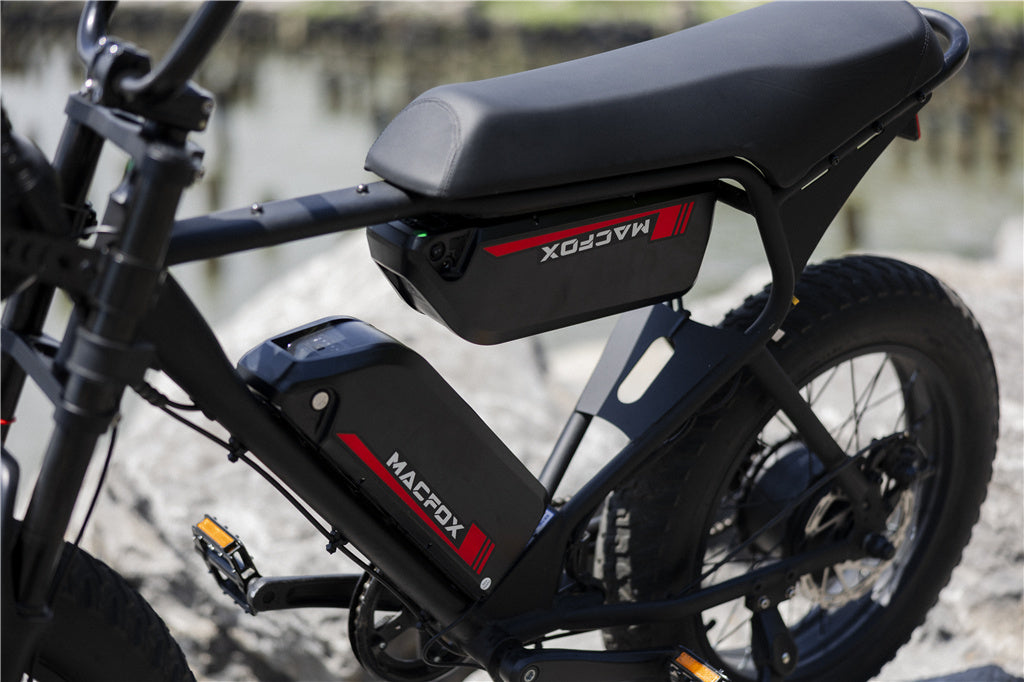
Start with the battery. Make sure it is fully seated, locked into position, and charged with the correct charger. If the display stays blank, check whether the battery indicator works and whether the charger shows a normal light pattern. A battery that was stored empty for a long time, charged in extreme temperatures, or exposed to moisture deserves extra caution.
If the battery appears charged but the bike remains dead, the next check is the fuse and main power path. A blown fuse can prevent the system from waking up, but a fuse is a warning device, not a random consumable. If a replacement fuse fails again, stop and use Macfox's e-bike fuse guide before further testing.
For charging habits, storage, and charger-light behavior, use the e-bike battery charging guide. It is especially useful if the bike powers on after a fresh charge but loses range quickly or shuts off under load.
Display Turns On, But the Motor Does Not Assist
This symptom usually means the bike has some power, but the drive system is being blocked or is not receiving the right signal. Check the brake levers first. Many e-bikes use brake cutoff sensors, so a lever that is slightly stuck can tell the controller to stop motor assistance even when everything else looks normal.
Next, check whether the issue happens with throttle only, pedal assist only, or both. If throttle and pedal assist both fail, look at controller power, motor cable seating, display warnings, and brake cutoff. If pedal assist fails but the throttle works, the sensor near the crank becomes more likely. For that path, use the cadence sensor troubleshooting guide.
If the display shows an X1S-specific warning, use the Macfox X1S error code guide rather than guessing from a generic e-bike chart.
Throttle Not Responding
A nonresponsive throttle can be simple or serious. Start by confirming the bike is in a mode where throttle response is allowed, the battery is not too low, and the brake levers are fully released. Then check for a loose or damaged throttle connector. Do not pull on the wires; inspect the connection and reseat it only if it is designed to be disconnected.
If the throttle fails after rain, after a handlebar adjustment, or after the bike tipped over, wiring or switch damage becomes more likely. If the throttle works at first and then stops after a few minutes, heat or controller protection may be involved. In that case, let the bike cool down and avoid repeated full-throttle tests.
Pedal Assist Feels Wrong or Cuts Out
Pedal assist problems often feel confusing because the bike may still run at times. Riders commonly describe this as a bike that surges, pauses, or only assists after several pedal strokes. Check whether the assist problem follows bumps in the road, hard pedaling, a recent chain adjustment, or crank-area contact.
The likely path is the pedal assist sensor, cadence sensor, magnet ring, controller signal, or wiring near the bottom bracket. If the bike rides normally on throttle but not while pedaling, the sensor path deserves attention before the motor does.
Battery Will Not Charge or Range Drops Quickly
A battery issue can show up in several ways: the charger light never changes, the display shows a full battery and then drops quickly, the bike shuts off under load, or range falls after cold storage. First confirm the outlet, charger, charge port, and battery seating. Then check whether the problem appears only in cold weather, only at high throttle, or only after the bike sits unused.
Do not open the battery case. If the pack, charger, or charge port smells unusual, gets hot, clicks, sparks, or shows visible damage, stop and contact support. A battery system problem is not the place for guesswork.
Error Code or Warning on the Display
An error code is useful only when it matches the display and system used on the bike. Write down the exact code, when it appears, and what the bike is doing at that moment. A code that appears during startup points to a different path than one that appears only under acceleration or after a bump.
For X1S owners, the dedicated error-code page is the right next step because it ties warnings to the Macfox display and normal owner checks. If the code points toward wiring, motor, controller, or sensor communication, move slowly and do not keep riding until the issue is understood.
Wiring, Controller, and Sensor Clues
The controller coordinates battery power, throttle input, pedal assist, braking signals, display communication, and motor output. That is why one loose connector can look like several different failures. If multiple systems fail at once, the controller or wiring harness becomes more likely than a single small part.
Use the e-bike controller guide for the big picture. If the symptom points toward the rear wheel or motor cable, use the rear-wheel hub motor wiring guide. If only the front light or lighting circuit is affected, use the electric bike headlight troubleshooting guide.
Brakes, Tires, and Ride Feel Problems
Not every troubleshooting issue is electrical. A dragging brake can make the bike feel weak. Low tire pressure can reduce range and make steering feel heavy. A loose axle, rubbing rotor, worn pad, or damaged tire can make a healthy motor feel like it has lost power.
Before assuming controller failure, spin the wheels off the ground if it is safe to do so, check brake rub, inspect tire sidewalls, and look for embedded debris. If a flat or puncture is the actual issue, use the bike tire repair guide before testing the drive system again.
Macfox Model Notes
| Model | Fit and Use Notes | Troubleshooting Watchpoints |
|---|---|---|
| Macfox X1S e-bike | For riders 5'3" and up, with a 20 mph top speed, 500Wh battery, and 28-56 mile range. | Use the X1S error-code guide for display warnings and check brake cutoff before assuming motor failure. |
| Macfox M16 e-bike | For riders 3'11" and up, with a 20 mph top speed, 499Wh battery, and 25 mile range. | Because it is compact, pay attention to cable routing after handlebar or brake adjustments. |
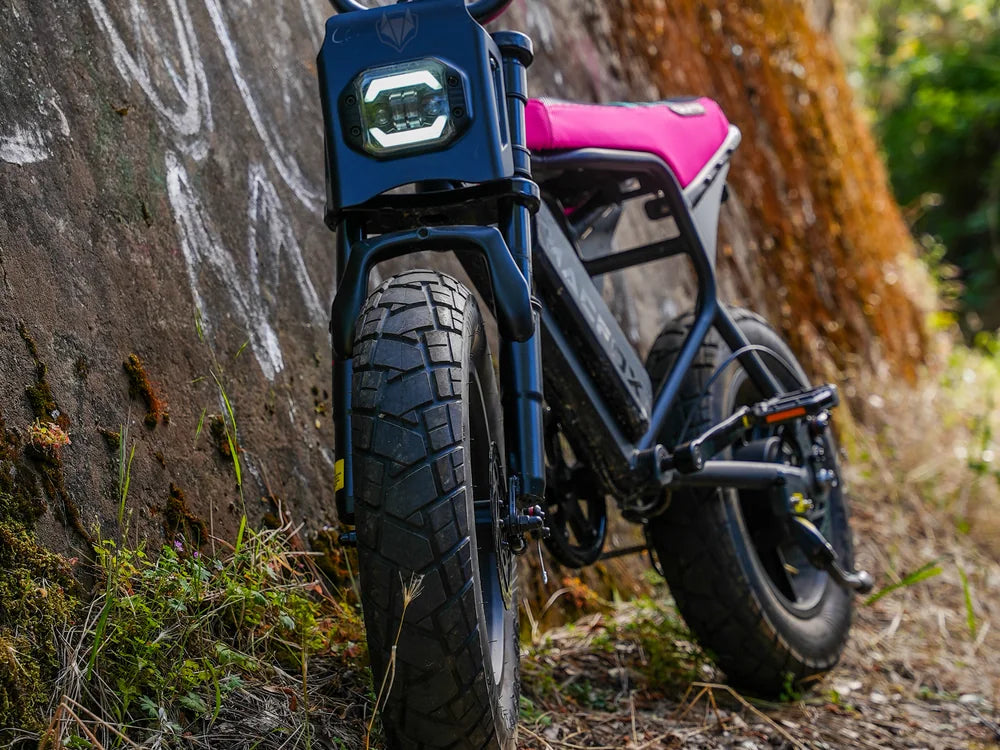
| Macfox X7 e-bike | X7 is for riders 5'1" and up; X7L is for riders 5'3" and up. Both use a 624Wh battery and 20 mph top speed. | The front 20" x 4.5" and rear 20" x 5.0" tire setup makes tire pressure, wheel seating, and brake rub checks important. |
| Macfox X2 e-bike | For riders 5'3" and up, with a 20 mph top speed, 960Wh battery, and 40-80 mile range. | If range drops sharply, compare route, load, tire pressure, assist level, and charging routine before blaming the battery. |
When to Stop and Contact Macfox Support
Stop home troubleshooting when the issue involves heat, sparks, repeated fuse failure, burning smell, visible battery damage, damaged motor wiring, sudden shutdown under load, or a crash that may have damaged hidden parts. Also stop if a safety system such as braking, steering, wheel retention, or throttle return does not feel normal.
When contacting support, include the model, order information if available, photos or video of the symptom, the exact error code, the charger-light behavior, and the steps already tried. Clear symptom notes save time because support can separate battery, controller, sensor, brake, and wiring paths without making you repeat basic checks.
FAQs
Why does my Macfox e-bike turn on but not move?
The most common paths are brake cutoff, throttle setting, pedal assist sensor, controller signal, or motor wiring. Check whether throttle, pedal assist, and display warnings behave differently before replacing parts.
Why will my e-bike battery not charge?
Check the outlet, charger light, charge port, battery seating, temperature, and visible cable damage. Stop if anything gets hot, smells unusual, sparks, or if the charger light pattern looks abnormal.
Can I keep riding if the display shows an error code?
No. Record the exact code and the riding condition when it appeared. If the bike still moves, ride only enough to get to a safe place, then troubleshoot the code before continuing.
Why does pedal assist cut out over bumps?
That pattern often points toward a loose connector, cadence sensor issue, brake cutoff movement, or wiring that loses contact under vibration. Check the symptom at low speed and avoid pulling wires.
Should I replace the controller first?
Usually no. A controller can cause several symptoms, but so can a brake cutoff, sensor, connector, fuse, display setting, or battery problem. Narrow the symptom before replacing a major part.








2 thoughts on “Macfox E-Bike Troubleshooting Center: Symptoms, Causes, and Next Steps”
Peter
Xi got a switch error so I ordered a new throttle I replaced it and still have the error.. any help would be appreciated. Macfox 2.0
Carlos Morales
My name is Carlos Morales, the Owner of Stans Bike Shop in Azusa CA.
A client of yours purchased one of your e-bikes MacFox.
It has an Error Code 004 which normally means a throttle issue. We checked connections at the throttle as well as the hub motor and everything is lined up and a snug fit.
The cables going into the throttle mechanism
are not tight or stretched and have a fluid flow where there is no tension. We did notice that the throttle does not reset or move to the off position normally compared to the hundreds of throttle bikes we have worked on. It seems sluggish returning to its normal position.
Please call me at at 909-678-2995.
We did notice when we turn the throttle to get the bike going