
Rear hub motor wiring problems rarely look like a single broken wire at first. The bike may power on but not move, cut out after bumps, jerk under throttle, show an error code, or lose power only when the rear wheel is under load. A good wiring diagram helps because it shows which parts sit in the power path and which connectors carry signals rather than drive current.
This guide focuses on wiring diagnosis for a rear hub motor electric bike. It does not replace a model-specific service manual, and it does not cover a full rewire from scratch. Use it to identify the likely connector or wire group, make safe external checks, and decide when a simple reconnection, wire repair, controller diagnosis, or complete rewire is the better next step.
Rear Hub Motor Wiring Diagram: What Each Connection Does
Most rear hub motor e-bike wiring layouts follow the same logic even when the connector shapes differ. The battery sends power to the controller. The controller reads rider inputs from the display, throttle, pedal-assist sensor, and brake cutoffs. It then sends controlled power through phase wires to the rear hub motor and, on systems equipped with Hall sensors, reads motor-position signals through smaller hall-sensor wires.

The diagram separates functions, not necessarily plugs. With the power off and the battery removed, start at the cable leaving the rear hub and follow its visible route toward the controller. On an integrated motor connection, phase power and sensor signals can share the same outer cable and plug. A split arrangement has separate phase connections and a smaller sensor connector where fitted. A single motor plug is not, by itself, a missing Hall connection.
| Connection group | What it does | Common fault |
|---|---|---|
| Battery to controller | Carries main system power. | Loose battery contact, voltage sag, blown fuse, heat at the main connector. |
| Controller to motor phase wires | Carries high-current motor output. | No drive, rough start, heat, melted pins, or cutout under load. |
| Hall-sensor wires (where fitted) | Tell the controller motor position. | Jerking, buzzing, no-start, error code, or rough low-speed behavior. |
| Throttle and pedal-assist signals | Tell the controller when the rider wants assist. | No response in one ride mode while the other mode still works. |
| Brake cutoff wires | Tell the controller to stop motor output. | Bike powers on but will not drive because the controller thinks a brake is active. |
| Display or communication cable | Sends settings, assist level, and error information. | Display faults, mode changes, error codes, or no command reaching the controller. |
Finding the Motor Connector on the Bike
The useful clue is where the cable goes, not just its color. Follow the visible motor cable, then compare the connector housing, key or alignment marks, and any part label with the bike's manual. There is no need to open a sealed housing or pull on the cable just to make the bike look like this diagram. The table describes what the connections do; it is not a pin-by-pin wiring map.
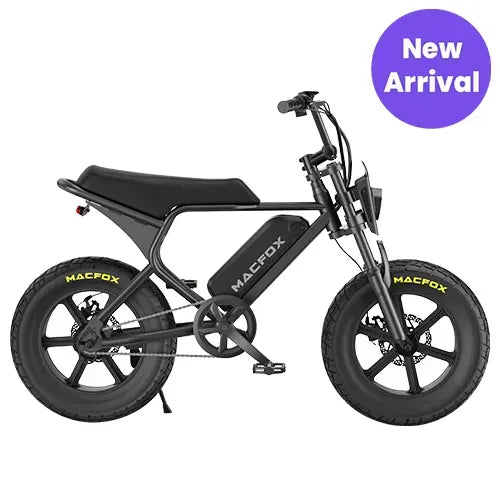
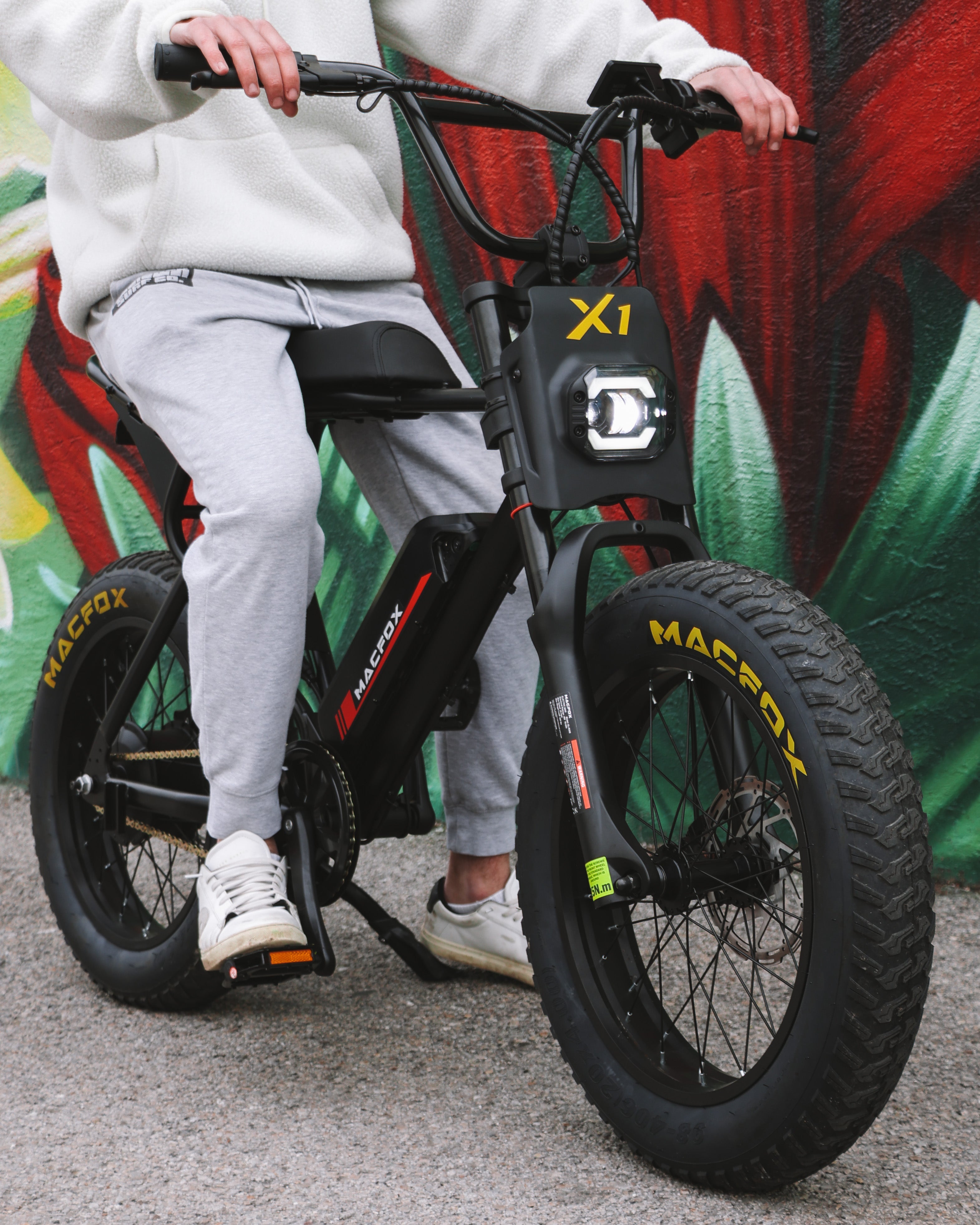
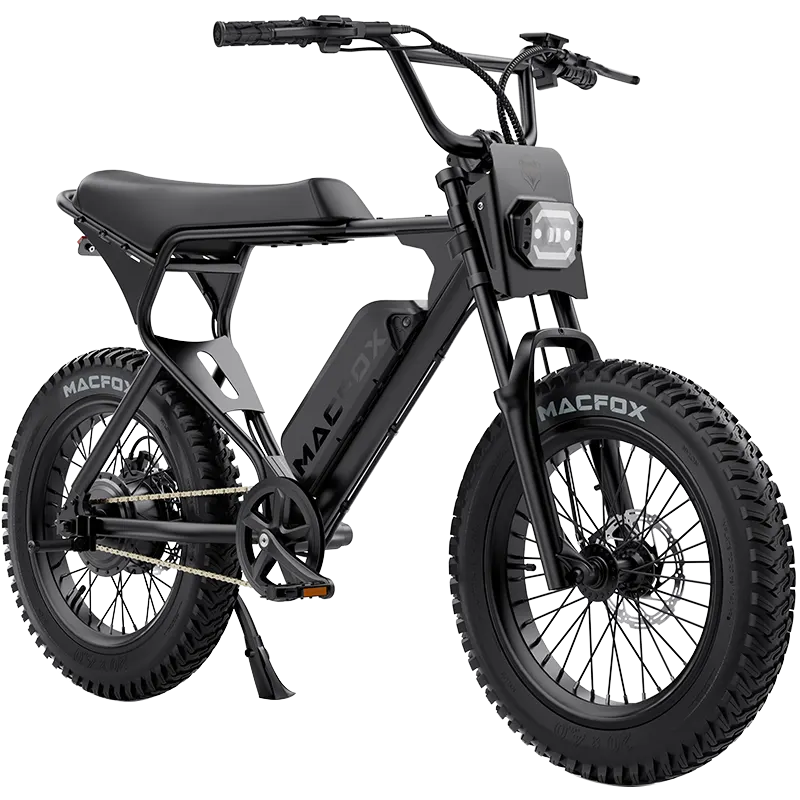
For example, the Macfox X1S manual directs riders with a motor-signal-loss error to check the rear motor connector for bent pins and reseat it. That is a useful first check after rear-wheel work, not a reason to rearrange individual wires. Use the manual that matches the bike's version.
Before ordering a replacement, photograph the connector halves while the battery is removed and note the motor and controller labels. Match the documented connector layout and compatibility to those exact parts. A look-alike plug or a color chart alone is not enough to choose a replacement harness. If the matching information is missing, keep the photos and ask for the correct part identification before reconnecting power.
If your goal is to wire a new harness or replace the motor cable end to end, use the full rear hub motor wiring guide. For troubleshooting, locate the faulty connection before attempting a repair.
Quick Diagnosis: Which Wire Should You Check First?
| Symptom | Likely wiring area | First safe check |
|---|---|---|
| Bike powers on but the rear motor does not run | Motor plug, brake cutoff, throttle/PAS signal, controller output | Check the motor connector, brake levers, and whether pedal assist or throttle behaves differently. |
| Motor jerks, buzzes, or starts roughly | Phase wires, hall-sensor wires, loose motor plug, controller signal | Inspect the rear motor cable and connector pins before blaming the motor itself. |
| Bike cuts out after bumps or turns | Loose connector, pinched cable, damaged harness, battery mount contact | Look for movement-sensitive wiring near the rear axle, frame entry points, and controller box. |
| Error code appears after rain or washing | Wet connector, corroded pins, display/controller communication | Dry accessible connectors and compare the code with the Macfox X1S error code guide. |
| Fuse blows or power path becomes hot | Short circuit, wrong accessory wiring, damaged insulation, battery-to-controller path | Stop riding and use the e-bike fuse guide before reconnecting power. |
A wiring fault is more likely when the symptom changes after moving the rear wheel cable, reseating a plug, riding through water, or loading the bike on a hill. If the same symptom appears in every ride mode and the wiring looks clean, the controller, battery, or motor may need separate diagnosis.
Safety Rules Before Touching E-Bike Wiring
- Power off and remove the battery before unplugging connectors. Never pull plugs apart while the system is active.
- Do not short battery terminals or probe random pins. A small slip can damage the controller or battery protection circuit.
- Pull connectors by the housing, not the wires. Tugging the wire can break the conductor inside the insulation.
- Keep pin orientation and key marks aligned. Forcing waterproof connectors can bend pins or crush seals.
- Stop if you smell burning, see melted plastic, or find exposed copper. That is no longer a casual inspection.
Take photos before unplugging anything. If several connectors look similar, label them with tape. Most wiring errors after repair happen because the original routing or connector orientation was not recorded.
Step-by-Step Troubleshooting Sequence
1. Start with the battery and main power path
A weak battery, poor battery-seat contact, or BMS protection can mimic wiring failure. Confirm the battery is charged, the terminals are clean, and the display does not shut off completely under load. If the bike loses all power instead of only losing motor output, compare symptoms with the BMS guide before replacing motor wiring.
2. Inspect the rear motor cable and axle area
The rear motor cable is exposed to wheel movement, axle torque, water, and handling during tire or brake work. Look for flattened insulation, sharp bends, rubbed areas, loose strain relief, missing grommets, or a connector that does not seat fully. If the problem appeared after rear wheel service, start here.
3. Compare throttle and pedal assist
If throttle fails but pedal assist still works, the motor wiring may be fine and the throttle signal path may be the issue. If pedal assist fails but throttle works, look at PAS, cadence sensor, brake cutoff, or settings. Use the throttle troubleshooting guide when the symptom is isolated to throttle behavior.
4. Check for brake cutoff lockout
A stuck brake cutoff can make the controller refuse to drive the motor even when the display is on and the battery is healthy. Make sure the levers return fully, the brake symbol is not active, and the wiring near the lever has not been pinched. Reconnect everything before test riding.
5. Use error codes and reset only in the right situation
An error code can point toward a sensor, motor phase, communication, or controller fault. If there is no visible heat, water, or damaged insulation, the controller reset guide may help with temporary controller or display communication behavior. Do not reset and ride again if the fault returns immediately or appears with burnt smell or heat.
When a Multimeter Helps
A multimeter can confirm voltage at the battery, continuity through a suspected wire, and obvious shorts. It is not a magic answer for every connector because many signal wires require the system to be powered and interpreted correctly. If you do not know the connector pinout, do not probe live pins.
| Test | Useful for | Caution |
|---|---|---|
| Battery voltage at rest | Confirming the pack is not simply discharged. | Voltage can look normal at rest but sag under load. |
| Continuity on an unplugged wire | Finding a broken conductor in a suspected cable. | Only test disconnected circuits, not live battery power. |
| Connector visual and pin alignment | Finding corrosion, bent pins, loose seals, or water. | Do not scrape pins aggressively or remove waterproof seals. |
| Resistance between phase wires | Finding a gross motor or cable fault. | Results vary by motor; compare carefully and avoid shorting probes. |
Common Causes and What They Usually Look Like
Loose motor connector after rear wheel work
Rear wheel service is one of the most common moments for wiring trouble to start. The motor plug may look connected but not be fully seated, especially on waterproof round connectors that need firm alignment before they lock. A partially seated motor connector can cause no drive, rough starts, buzzing, or an error code after the bike worked normally before the tire, tube, brake, or wheel was serviced.
Check that arrows, keys, or molded marks are aligned. Look for a gap between the connector halves and confirm the cable is not twisted sharply at the axle. If the connector has a locking collar, make sure it is snug but not cross-threaded.
Pinched cable near the axle or frame entry point
A rear hub motor cable can be crushed by a dropout edge, kickstand bracket, cargo rack hardware, zip tie, or frame opening. The bike may work on the stand but fail when rider weight flexes the cable. That kind of intermittent fault is a strong reason to stop testing and inspect the full cable path by sight and touch.
Do not keep bending the cable to prove the fault. If the insulation is flattened, cut, or warm, the wire inside may already be damaged. A short between phase wires or a broken hall-sensor conductor can damage the controller if you keep powering the bike.
Water or corrosion inside a connector
Water faults often appear after rain, washing, or storage in a damp place. The bike may work again after drying, which makes the issue easy to dismiss. Corrosion, green or white residue, swollen seals, or a gritty connector feel means the connection is not trustworthy. Drying may help once, but a corroded connector usually needs deeper cleaning or replacement.
Avoid pressure washing around the motor connector, controller box, battery mount, display, throttle, and brake sensors. Waterproof connectors are designed for normal weather exposure, not high-pressure water forced past the seal.
Wrong replacement controller, display, or harness
Many e-bike connectors look similar. That does not mean the pinout, signal voltage, display protocol, hall-sensor order, or current rating is the same. A replacement controller can physically plug in and still be incompatible. Symptoms can include no throttle response, reversed or rough motor behavior, immediate error codes, or a controller that heats quickly.
Before powering a mixed system, compare voltage, current rating, motor type, phase wire order, hall-sensor pinout, brake cutoff type, throttle signal range, PAS type, and display compatibility. Guessing by wire color alone is risky.
Old repair work hidden under tape or heat shrink
Previous repairs can hide the real problem. Twisted wires under tape, mismatched crimp connectors, solder joints without strain relief, or a repair that sits where the cable bends can fail later. If you see several repaired sections or unknown aftermarket wiring, a full harness review may be safer than patching one more spot.
Wiring Fault or Another E-Bike Problem?
Many symptoms sit at the border between wiring and another electrical part. A controller can fail after a shorted wire. A throttle can send a bad signal through a perfect harness. A noisy hub motor can make you suspect wiring when the real issue is brake rub, bearing load, or axle seating.
- Use the controller failure guide if the display stays on but motor output cuts out under load or the controller area becomes hot.
- Use the hub motor noise guide if the main symptom is grinding, clicking, rubbing, or a sound that changes with wheel load.
- Use the throttle troubleshooting guide if only throttle response is missing, delayed, or unpredictable.
- Use the BMS guide if the whole bike shuts down or the battery protection behavior is suspicious.
- Use the e-bike fuse guide if a fuse opens repeatedly or a wire becomes hot near the main power path.
Repair, Reconnect, or Rewire?
| Situation | Best next step | Why |
|---|---|---|
| Loose waterproof connector with clean pins | Power off, reseat firmly, align arrows or keys, then test in a safe area. | The fault may be contact pressure, not a damaged part. |
| Corrosion or water inside a connector | Dry, inspect, and replace damaged connectors if corrosion remains. | Moisture faults often return after one good ride. |
| Pinched or exposed motor cable | Stop riding and repair or replace the damaged cable section. | A short can damage the controller or battery path. |
| Wrong controller or mixed aftermarket harness | Verify voltage, connector layout, sensor type, and display protocol before powering up. | A similar-looking plug can still be electrically incompatible. |
| Multiple damaged connectors or unknown previous repair | Follow a full rewire path with the rear hub motor wiring guide. | Troubleshooting one plug at a time becomes unreliable when the harness history is unknown. |
What Not to Do While Troubleshooting
- Do not connect random wires by color. Color conventions vary, and a wrong connection can damage the controller.
- Do not bypass fuses or protection devices. A repeated blown fuse means there is a fault that needs diagnosis.
- Do not ride repeatedly to recreate a cutout. A loose motor cable can fail harder under load and turn into a safety issue.
- Do not force waterproof plugs. Bent pins and crushed seals create new wiring problems.
- Do not open sealed motor or controller parts first. Most useful wiring checks happen outside the sealed components.
- Do not ignore heat. Warm connectors, melted plastic, or a burnt smell means the bike should be powered down.
Good troubleshooting is slow and boring. You are looking for evidence: a connector that was not fully seated, a cable that was crushed, a symptom that appears only with throttle, a fault that returns after water, or a power path that heats up. Once you find that pattern, the repair decision becomes much clearer.
What to Record Before You Ask for Help
If the wiring issue is not obvious, record the fault before taking the bike apart. A few clear notes can save a lot of guessing for support or a local technician. Write down when the symptom started, what work was done recently, whether it happens with throttle, pedal assist, or both, and whether the display stays on when motor power disappears.
- Take a photo of the rear motor connector before unplugging it.
- Take a close photo of any bent pin, corrosion, damaged insulation, or heat mark.
- Record the error code and the ride condition when it appeared.
- Note whether the issue happens only after rain, bumps, hills, or rear wheel service.
- List any replaced parts, including battery, controller, display, throttle, or motor cable.
This information matters because two bikes can show the same no-drive symptom for different reasons. One may have a stuck brake cutoff. Another may have a damaged hall-sensor wire. Another may have a controller that is protecting itself after a short. Good notes help keep the repair focused and reduce unnecessary part swaps.
When sending photos, include both a close view and a wider view that shows where the cable sits on the bike. A perfect close-up of a connector is less useful if no one can see whether that connector is near the rear axle, controller box, battery mount, display cable, or throttle lead. Location helps separate motor wiring from input wiring and main power wiring.
If a previous owner changed connectors or spliced wires, say so clearly. In that case, a normal color chart may not apply, and the safest next step is to identify the circuit by function before any reconnection.
Prevention and Cable Routing
Good cable routing prevents many rear hub motor wiring problems. Leave enough slack for handlebar turns, suspension movement, and rear wheel removal, but not so much that cables rub the tire, rotor, chain, or crank. Keep waterproof connectors seated and avoid pressure washing near the battery mount, controller box, display, throttle, and motor connector.
- Check the rear motor cable after tire changes, brake work, or transport.
- Secure cables with ties or clips that do not crush insulation.
- Replace damaged grommets or strain relief points instead of leaving cables loose.
- Inspect connectors after wet rides and let the bike dry before deeper testing.
- Investigate repeat errors instead of resetting the bike and riding through them.
FAQ
What are the main wires on a rear hub motor e-bike?
The main groups are battery-to-controller power wires, controller-to-motor phase wires, hall-sensor signal wires (on systems equipped with Hall sensors), display communication, throttle or pedal-assist signals, and brake cutoff wires. Connector colors and pin layouts vary by model.
Why does my rear hub motor work only after I move the cable?
That usually points to a loose connector, broken conductor, bent pin, corrosion, or a cable that has been pinched near the rear axle or frame entry point. Do not keep riding until the movement-sensitive fault is found.
Can I match wires by color?
Color can be a clue, but it is not enough. Different controllers, motors, and aftermarket harnesses may use different color conventions. Match by connector type, pinout, voltage, motor type, sensor type, and model guidance.
Is a wiring diagram enough to replace a controller?
No. A diagram helps you understand the circuit, but the replacement controller must match voltage, current limits, display protocol, throttle/PAS inputs, brake cutoffs, motor type, and connector layout.
Should I keep riding if the rear motor cuts out?
Stop if the cutout repeats, appears under load, follows a bump, comes with heat, or shows an error code. A loose or shorted motor cable can become a controller or battery-path problem if ignored.
Bottom Line
Rear hub motor wiring troubleshooting works best when you follow the circuit in order: battery, main power path, controller, motor cable, sensor wires, and rider inputs. Check external connectors and cable damage first, avoid guessing inside sealed parts, and move to a full rewire or technician inspection when heat, water, shorts, or unknown previous repairs make one-plug fixes unreliable.