
A tight top cap can leave headset play if the stem is already clamped or the cap bottoms against the steerer instead of loading the bearings. For example, after cockpit work on a conventional threadless setup, tightening the stem first can lock in that looseness. The correction is to release the steerer clamp, set bearing preload, then secure the stem correctly. If the cap hits a hard stop while play remains, inspect the stack instead of adding force.
Confirm the Play Is in the Headset

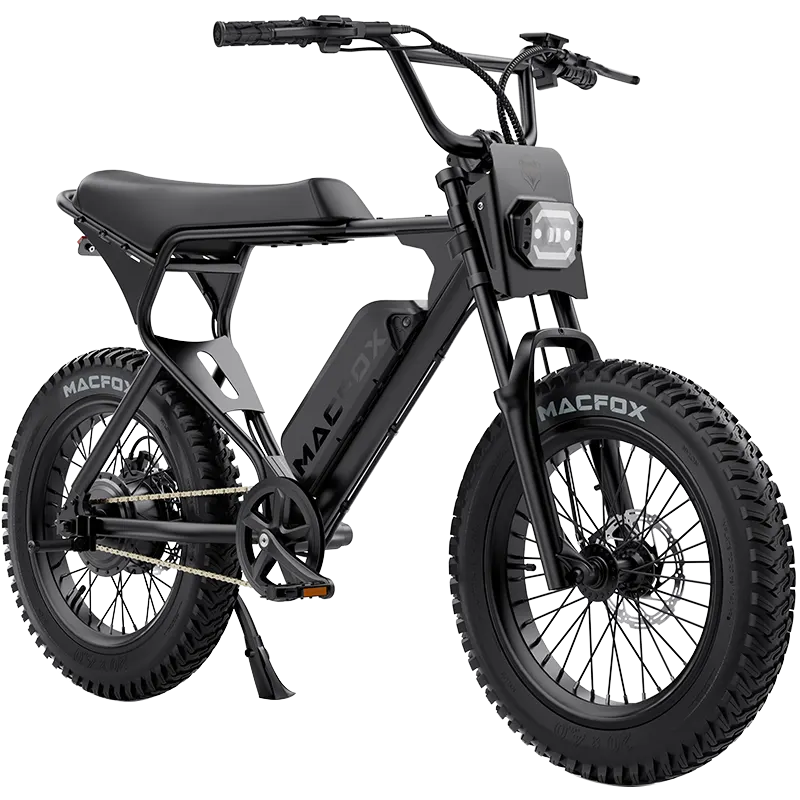
On an electric bike, switch the power off and support the bike securely. Hold the front brake and rock the bike gently while feeling where the upper headset meets the frame. Look for movement between those parts, not just a clicking sound.
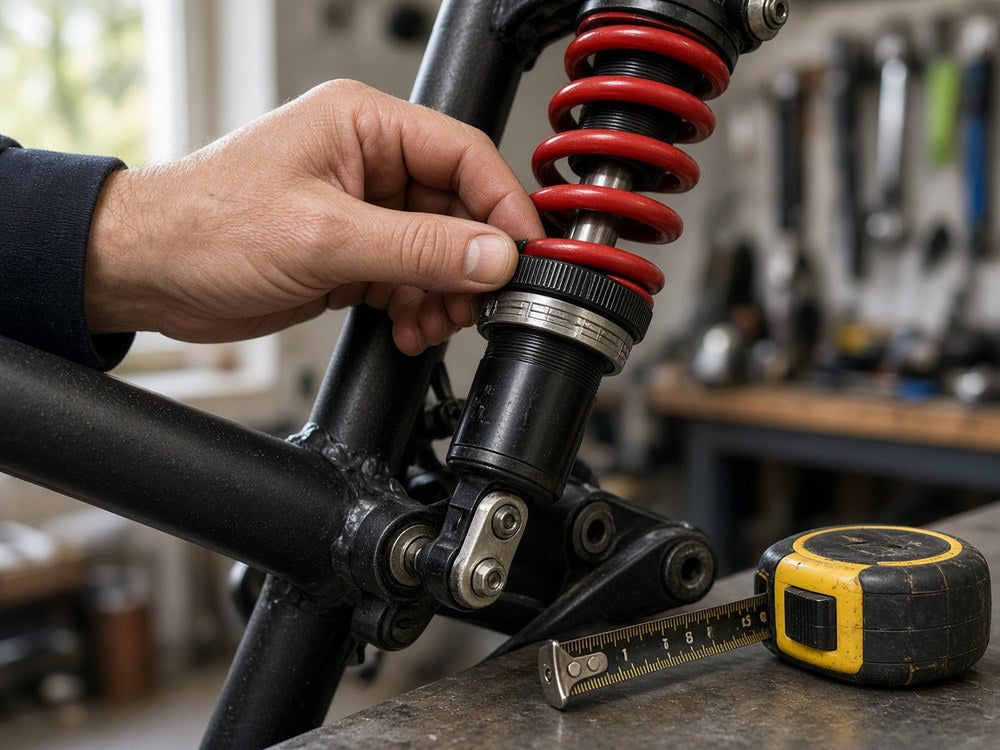
Brake movement, a loose wheel connection, or suspension-fork bushing play can produce a similar knock. If the movement is elsewhere, tightening the headset will not fix it. Have unexplained front-end looseness checked before riding.
Release the Clamp Before Setting Preload
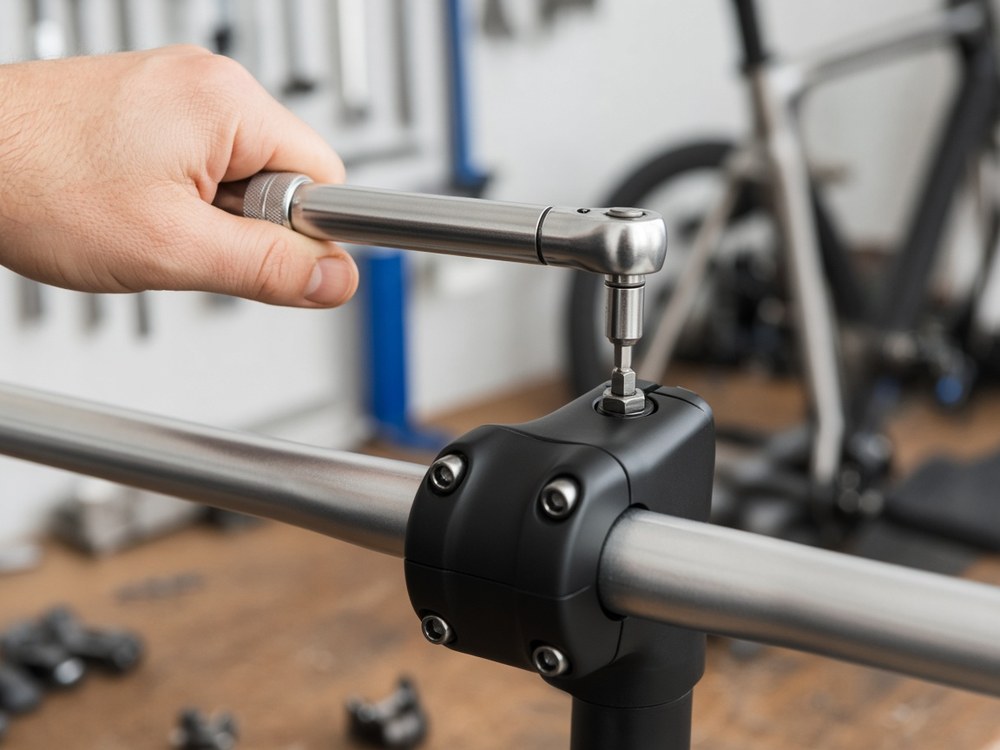
On a conventional threadless system, the top cap adjusts bearing preload; the stem's steerer clamp holds the adjustment afterward. The clamp bolts are around the fork's steering tube, not the faceplate bolts holding the handlebar.
If you have the correct instructions and tools, support the fork before releasing the steerer clamp so it cannot drop. Adjust preload as directed until headset play is gone without restricting steering. Align the stem, tighten its clamp to the specified torque, and check both conditions again. Never ride with the clamp loose, even if the top cap feels tight.
A quill stem or unfamiliar integrated cockpit needs its own procedure. If you cannot identify the hardware or tighten it correctly, leave the adjustment to a mechanic.
Check What the Top Cap Is Pressing Against
The cap needs to press the stem or upper spacer downward. If it rests on the end of the steerer instead, tightening can feel solid without taking up bearing play. This is worth checking after changing a stem or rearranging spacers.
The required clearance and amount of steerer supporting the stem depend on the assembly. Do not guess a spacer thickness, fit a longer bolt, cut the steerer, or move its internal anchor to make the cap tighten. Have the stack and matching hardware checked against their instructions.
If this started during a bar swap, the handlebar replacement guide covers bar fit and cable reach. Those compatibility checks are separate from getting headset preload right.
Stop if Play and Rough Steering Remain
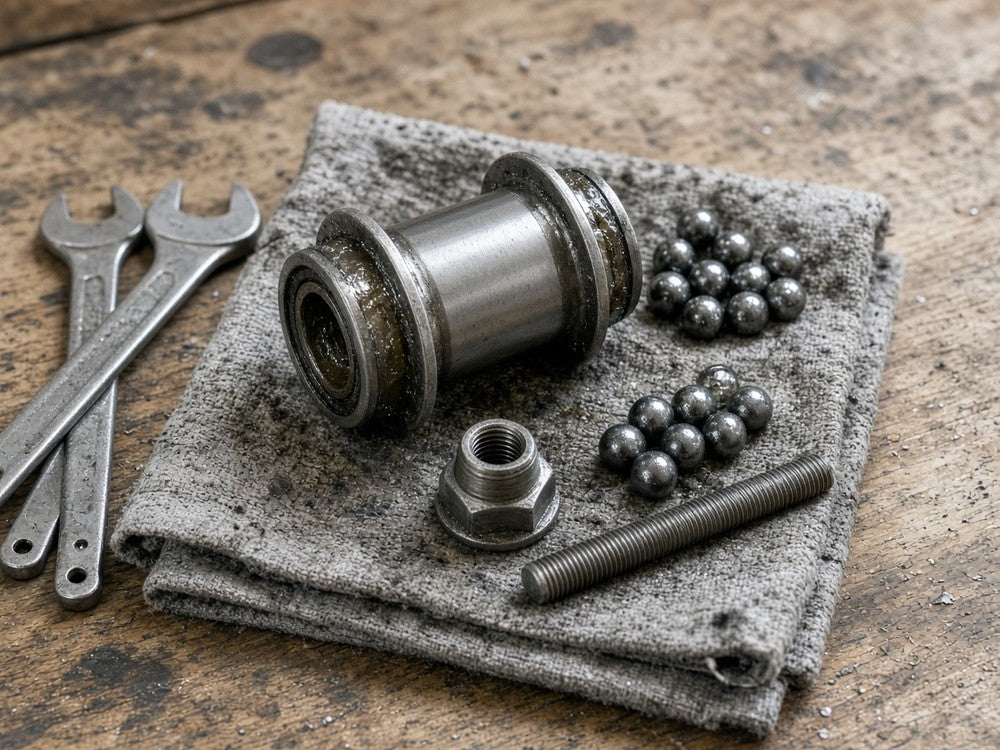
If the clamp and stack are correct but looseness persists, the bearing assembly needs inspection. Incorrect seating, worn bearing surfaces, or a misplaced seal can prevent a satisfactory adjustment. More top-cap torque is not a repair for those faults.
Tell the mechanic what changed, where you feel movement, and whether steering becomes stiff as the cap tightens. Before riding, you need an aligned, securely clamped stem, no headset play, and freely moving steering, not merely a bolt that feels tight.