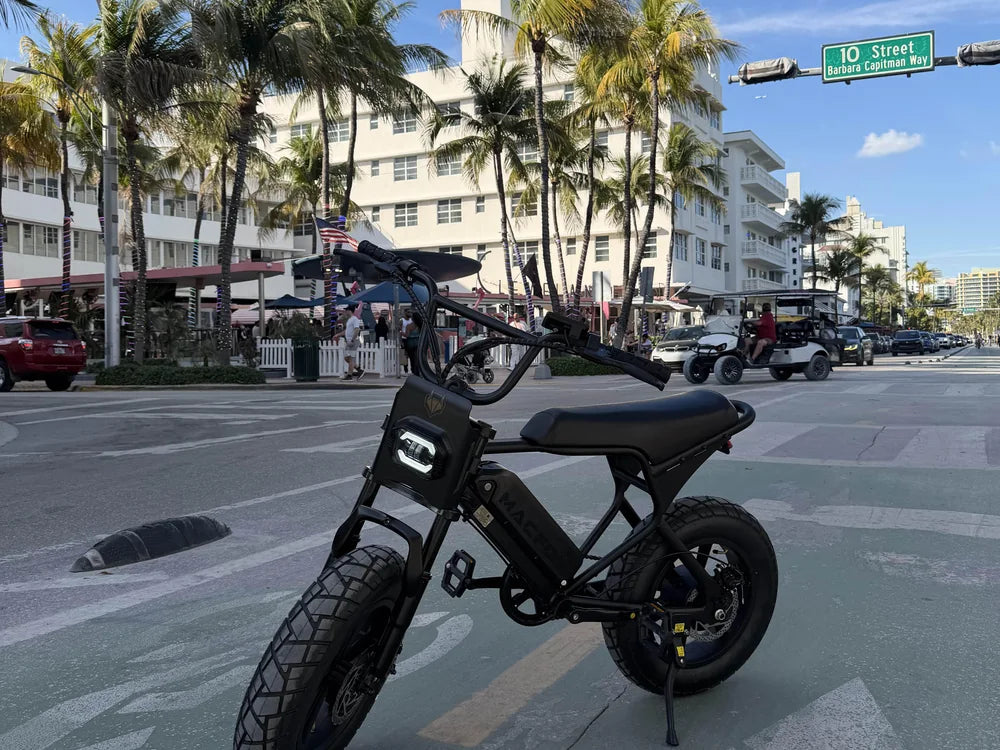

If your e-bike is inside a BikeLink locker and access fails, first confirm the locker number and use the same access method that started the rental. If that method still fails, contact BikeLink support for the active rental. Do not buy an unrelated card or force the door. A low stored-value balance does not automatically mean you cannot end the rental.
Match the Locker and the Original Access Method

Check the site and locker number against your rental record. Similar-looking doors make it easy to stand at the wrong unit, especially in a large parking area.
Then identify how you rented it: a stored-value BikeLink card, a linked transit card, or the app. Those methods do not all use the same balance or retrieval sequence. Switching to another card does not automatically transfer the existing rental.
For an app rental, open the current rental rather than starting a new one. If the record and the physical locker do not match, tell support what you see before creating more transactions.
Read the Error Before Repeating the Attempt
BikeLink says a stored-value card can still end a rental even when its remaining value is insufficient to cover the charge. That is different from the reader failing to recognize the card.
Transit-card access can also involve a communication delay. Follow the displayed instructions and the guidance for that card type rather than repeatedly switching cards or pressing controls at random. A busy-network message is not proof that the bike has disappeared or the rental has ended.
Use Support for an Active Rental You Cannot Open
Contact the official support channel shown on the locker or BikeLink website. Provide the location, locker number, original access method, and exact error. Explain clearly that your bike is still inside.
The operator has recovery procedures for a lost or nonworking card. Follow its verification process; do not try to bypass it or use a code supplied by an unknown person.
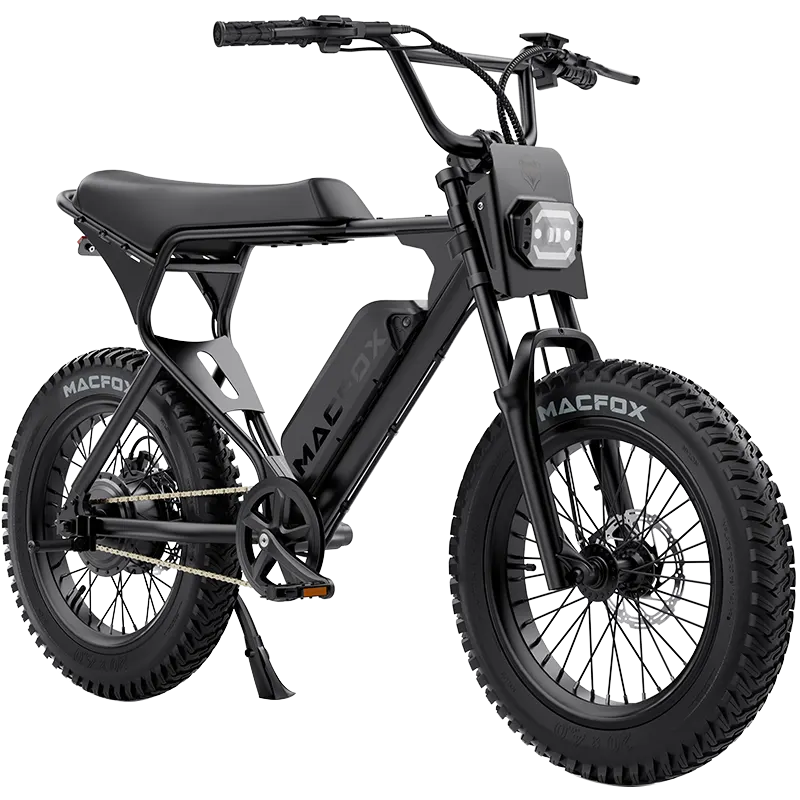
The name of your electric bike may help describe the locker's contents, but a public product page is not proof that you own the bike or control that rental. Use the original rental details and the records support actually requests.
Finish the Rental After Retrieving the Bike
In the app, the normal retrieval action is End Rental & Open Door. After removal, close the locker and confirm that the rental is no longer active. Do not assume an opened door alone completed every account step.
If you used the lost-card recovery process and later find the original card, BikeLink says its old rental state must be cleared at the original locker. Follow the operator's instructions.
For your next parking arrangement, the bike-locking guide covers general security. An access problem is resolved through the operator, not by treating the locker as a lock to defeat.