
Your phone is nearly dead, but the bike battery is charged and you only need to make a short trip. Do you need to open an app before leaving? Not necessarily. Whether an electric bike needs an app for riding depends on its specific system, and on whether the phone provides extra features or controls access to assistance.

Start With What You Can Do on the Bike
When choosing an electric bike, start with the everyday controls: turning it on, selecting an assist level, and checking battery charge. Find out which actions happen through buttons and a display on the bike. Then check whether you must complete an app-based activation or electronic unlock before those controls can do their job.
There is a meaningful difference between leaving your phone behind and missing a ride recording, and leaving it behind and being unable to start assistance. An app's feature list alone will not tell you which situation you are buying into.
Separate First-Time Setup From Everyday Unlocking
"Does it have an app?" is less useful than asking when you actually need it. An account login during initial setup may be acceptable even when reaching for your phone before every errand is not.
| The app's role | What riding without your phone means | What to confirm before buying |
|---|---|---|
| Optional for everyday riding | You can ride using the bike's controls, without the app-only extras. | Whether "optional" also covers initial activation and electronic unlocking. |
| Required for initial setup only | Once setup is complete, routine rides do not require a phone connection. | What app or account setup must be completed before the first ride. |
| Required for startup or electronic unlocking | Starting assistance requires your phone or a supported alternative, where available. | What the approved backup requires, including advance setup or something you must carry. |
Keep two distinctions clear. No internet connection is not the same as no working phone. An offline feature may still need a charged handset. And continuing an existing ride is not the same as starting again after switching the bike off. Ask about both departure and the return trip, not just what happens when a connection drops while you are moving.

Use Navigation and Ride Tracking When They Help
You may enjoy planning unfamiliar routes, keeping a record of weekend rides, or adjusting the settings your bike's system makes available. Those are good reasons to use an app. They do not mean you need the same phone routine for a familiar trip to pick up lunch.
Think about which features you would actually miss. Losing a route recording might be a minor annoyance; losing navigation on an unfamiliar ride could change your plans. Neither should be confused with losing access to motor assistance. Decide separately whether you need your phone for the journey and whether the bike needs it to operate.
For specific tools, explore our e-bike app recommendations. For routes with patchy reception, use the offline navigation checklist to prepare before leaving.

Check What Still Works When Your Phone Is Dead
Picture stopping for coffee, turning the bike off, and returning to find your phone has run out of battery. Can you restart assistance, change assist levels, and read your remaining bike battery charge? Which extras would you lose? If electronic unlocking is involved, ask whether the supported backup must be enabled beforehand and what you need with you to use it.
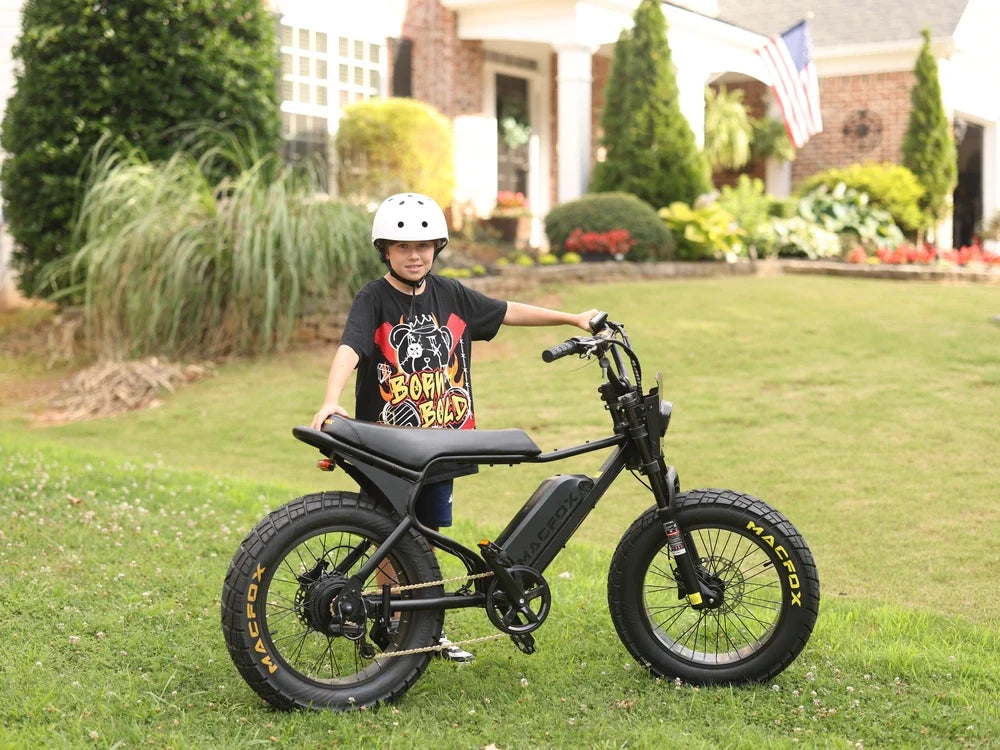
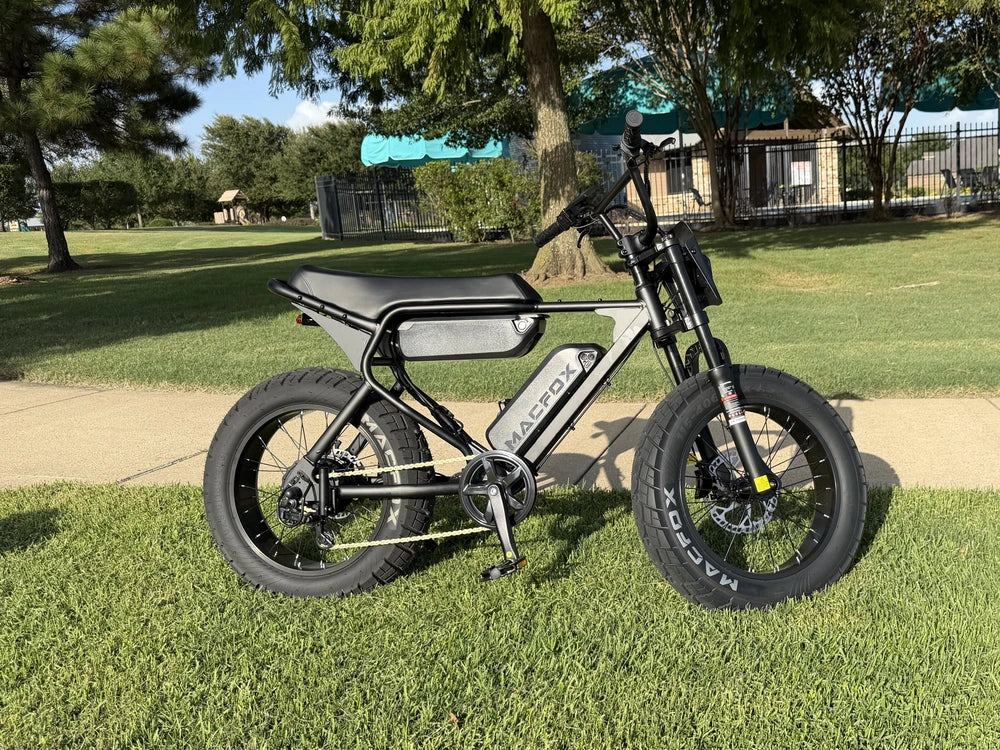
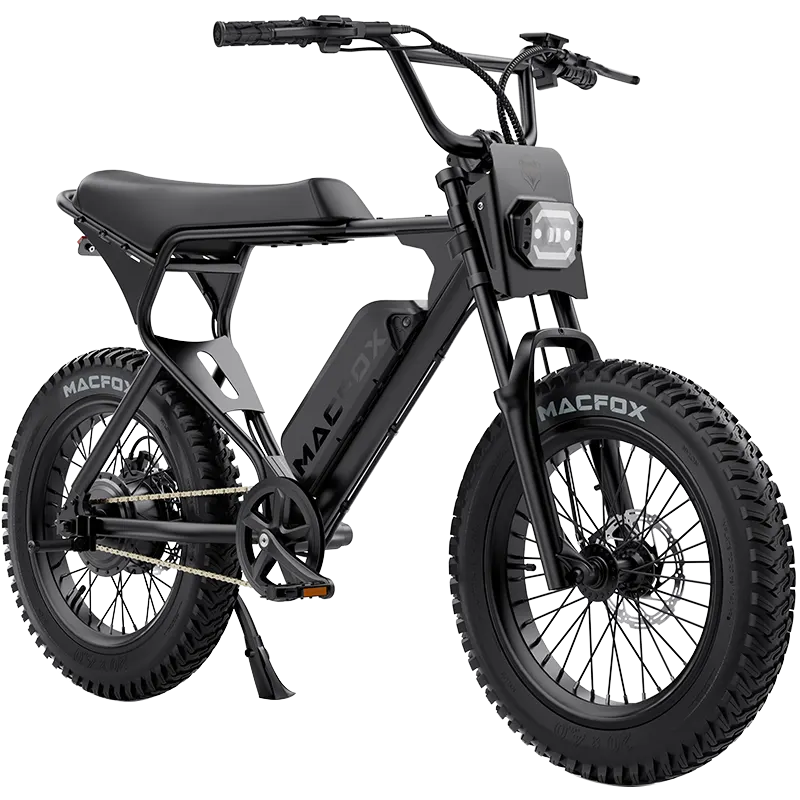
On the Macfox X7 eBike, you can turn the bike on or off with the onboard power button and change assistance with the +/- controls. Its LCD shows speed, battery level, and mileage. Those everyday actions and readings are available on the bike itself, rather than requiring your phone to serve as the dashboard. For detailed operating instructions, see the Macfox X7 owner's manual.
If you routinely carry a charged phone and value integrated features, phone-based access may fit your habits. If you often head out without one, make independent startup a priority. You do not have to reject every app-equipped bike; you need to know which functions remain available when you leave the phone at home.
Before ordering a Macfox model, contact Macfox online support to confirm its initial setup and everyday startup requirements. Ask about the exact model: "Can I start and restart assistance with my phone switched off, and is an app or account needed before my first ride?" That answer matters more than the number of features in an app.