
The best place to mount a bike camera depends on the shot you need. Use a handlebar mount for a steady view of the road ahead, a helmet or chest mount for first-person footage, a seatpost or saddle mount for rear traffic, and a frame mount for a lower angle with less head movement.
There is no single perfect camera position. A mount that makes a scenic ride look smooth may be poor for safety evidence, and a mount that records traffic well may not create exciting footage. Choose the position by purpose first, then check stability, clearance, and whether the camera can stay secure over bumps.
Quick Comparison: Bike Camera Mount Positions
| Mount position | Best for | Main tradeoff | Safety check |
|---|---|---|---|
| Handlebar | Road view, commuting, route footage. | Can show vibration from rough pavement. | Keep it clear of brake hoses, display, bell, and lights. |
| Helmet | Natural POV and where the rider looks. | Head movement can make footage busy. | Avoid heavy setups that pull on the helmet. |
| Chest | Immersive riding view with arms and bars in frame. | Can be blocked by posture, bags, or jacket folds. | Test the angle while seated, not just while standing. |
| Seatpost or saddle | Rear traffic, group rides, following riders. | Rear wheel spray and saddle bags can block the lens. | Check tire clearance and use a tether. |
| Frame or fork | Low, stable, dramatic angles. | Narrower view and more road debris. | Make sure the camera cannot touch spokes or cables. |

Handlebar Mount
A handlebar mount is the easiest starting point because it points straight down the road and is simple to adjust before a ride. It works well for commuting, route recording, and general electric bike footage where the viewer should see traffic, turns, bike lanes, and road conditions.
The downside is vibration. A narrow bar, loose clamp, or rough road can make the video shake. Mount the camera near the stem when possible, tighten the clamp evenly, and confirm it does not block the display, brake levers, cables, or lights. If you are unsure where your bars leave room for accessories, use the bike handlebar guide before choosing a clamp size.

Helmet Mount
A helmet mount captures what the rider is looking at, which makes it useful for point-of-view footage, trail lines, traffic checks, and scenic rides. It can also record moments that a fixed handlebar camera misses, such as a car approaching from the side or a rider turning to check an intersection.
The tradeoff is motion. Every head turn, shoulder check, or glance at traffic appears in the video. Keep the camera light, avoid tall stacked adapters, and test the angle before a long ride. If the setup makes the helmet feel unbalanced or uncomfortable, choose a chest or handlebar mount instead.

Chest Mount
A chest mount gives a more immersive view because it shows the rider's hands, handlebar, and body position. It is often smoother than a helmet mount because the torso moves less sharply than the head. This angle works well for trail clips, casual ride videos, and showing how the bike handles corners or rough patches.
The camera may point too low if the harness is loose or if the rider leans forward. Put on the same jacket, backpack, or hydration pack you normally ride with and check a short test clip. The best chest-mount angle is usually set while seated on the bike, not while standing in the garage.

Seatpost or Saddle Mount
A seatpost or saddle mount is best when you want to record what happens behind you. It can capture overtaking traffic, group ride spacing, or a following rider. For riders who care about evidence after a close pass, this position may be more useful than a forward-facing action shot.
Rear mounting needs extra clearance checks. The camera should not hit the tire, rack, saddle bag, suspension seatpost, or clothing. A short safety tether is a smart backup because rear mounts are harder to monitor while riding. After installation, bounce the rear of the bike and confirm nothing touches the lens or mount.

Frame or Fork Mount
A frame or fork mount creates a lower, more dramatic angle. It can make speed feel stronger and reduce some head movement, but it also exposes the camera to more spray, dust, and vibration. This position is better for creative footage than for a complete record of traffic around the rider.
Keep the camera away from spokes, brake rotors, pedals, crank arms, and moving cables. If the bike has suspension, check clearance with the fork compressed and the handlebar turned. A mount that looks safe while the bike is parked may move into danger once the bike flexes or turns.
Mounting Accessories and Setup Checks
- Use the right clamp size. Do not force a mount onto a bar, post, or frame tube it was not designed to fit.
- Add a tether. A small backup tether protects the camera if a clamp loosens on rough pavement.
- Check controls first. Brake levers, shifters, bells, lights, and displays should remain easy to reach.
- Record a short test clip. Ten seconds of test footage can reveal tilt, vibration, blocked views, or wind noise.
- Plan for weather. If rain is possible, check the camera case, charging door, lens cover, and your own gear. The waterproof riding gear guide can help with the rest of the wet-ride setup.
If the camera is part of a longer filming setup, think beyond the mount. Battery life, storage cards, phone holders, lens cleaning, and basic roadside tools all matter. Use the e-bike toolkit checklist for what to carry, then use a short ride to confirm the camera angle before you rely on it.
Best Camera Type for Each Mount
Small action cameras are the easiest choice for handlebar, helmet, chest, and frame positions because they are light and have wide-angle lenses. A 360 camera can be useful when you want front and rear context from one position, but it needs clear space around the lens and careful editing. A phone can work for casual recording, but it is usually heavier, more exposed, and more expensive to risk on rough rides.
For general riding footage, decide whether you need a safety record, a scenic video, or a shareable first-person clip. If your goal is to record your ride, the mount is only one part of the setup; lighting, audio, battery, and privacy also matter.
What This Page Does Not Cover
This page is only about where to mount a bike camera. It is not an action camera buying guide, a motorcycle camera guide, a full video-editing tutorial, or a product ranking. Those decisions depend on budget, sensor quality, stabilization, battery life, waterproofing, and how you plan to use the footage.
FAQ
What is the best place to mount a bike camera?
For most riders, the handlebar is the simplest place to start because it records the road ahead and is easy to adjust. Use a helmet or chest mount for first-person footage and a seatpost mount for rear traffic.
Is a helmet mount better than a handlebar mount?
A helmet mount follows your line of sight, while a handlebar mount gives a steadier forward view. Helmet footage can show what you looked at, but it also records every head movement.
Should I mount a camera facing backward?
A rear-facing seatpost or saddle mount is useful if you want to record passing traffic or riders behind you. It is less useful for scenic forward footage, so many riders use it as a second camera position.
Can I mount a camera on an e-bike frame?
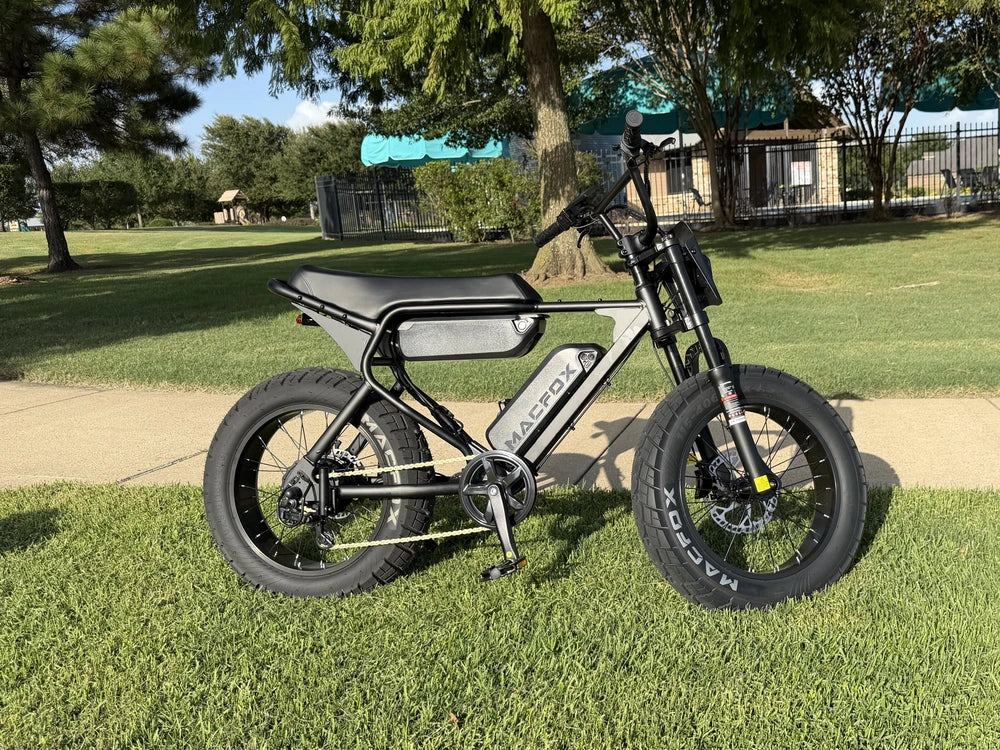
Yes, but check clearance carefully. The camera must stay away from spokes, brakes, pedals, suspension movement, cables, and the rider's legs. Add a tether for rough roads.
Bottom Line
Start with the shot you need, not the mount that looks most dramatic. Handlebar mounts are practical for road view, helmet and chest mounts are better for POV, seatpost mounts help with rear traffic, and frame mounts create low-angle footage. Whatever you choose, test the angle, secure the clamp, check clearances, and use a tether before trusting the camera on a real ride.