
Support can usually help faster when the first message explains the actual symptom, not only the feeling that something is wrong. A clear report gives the team a starting point: what happened, when it happens, what changed before it started, and what evidence you can show.
This page is only about writing a better support message. It does not diagnose the bike, promise a repair, or replace the fuller e-bike problem documentation guide. If the bike feels unsafe, stop riding first and record the issue from a safe position.
Start With One Plain Symptom Sentence
Begin with the simplest possible description: "The throttle only responds after several tries," "The display turns on and then shuts off," or "The rear brake rubs after the wheel was removed." Avoid starting with a guess such as "the controller is bad" unless support has already confirmed that part.
That first sentence should identify the affected area and the behavior you see. For any electric bike, support needs the visible symptom before it can decide whether the next question should be about power, wiring, display settings, brakes, fit, shipping damage, or normal adjustment.

Add When It Happens
Next, describe the timing. Does the problem happen before riding, only while moving, after rain, after charging, after a fall, after assembly, or only when the battery is low? A symptom that appears only under load is different from one that appears while the bike is parked.
Use short, factual notes. For example: "It happened twice after a full charge," "It started after I adjusted the handlebar," or "It does not happen when the charger is unplugged." These details can prevent a long back-and-forth.
Attach the Right Evidence
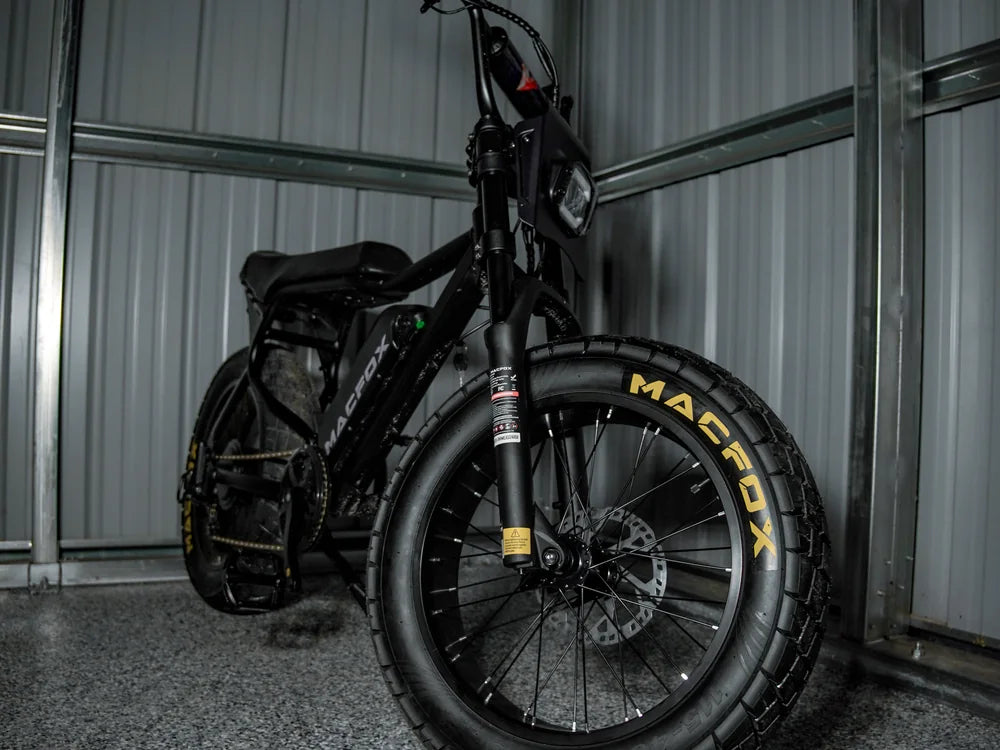
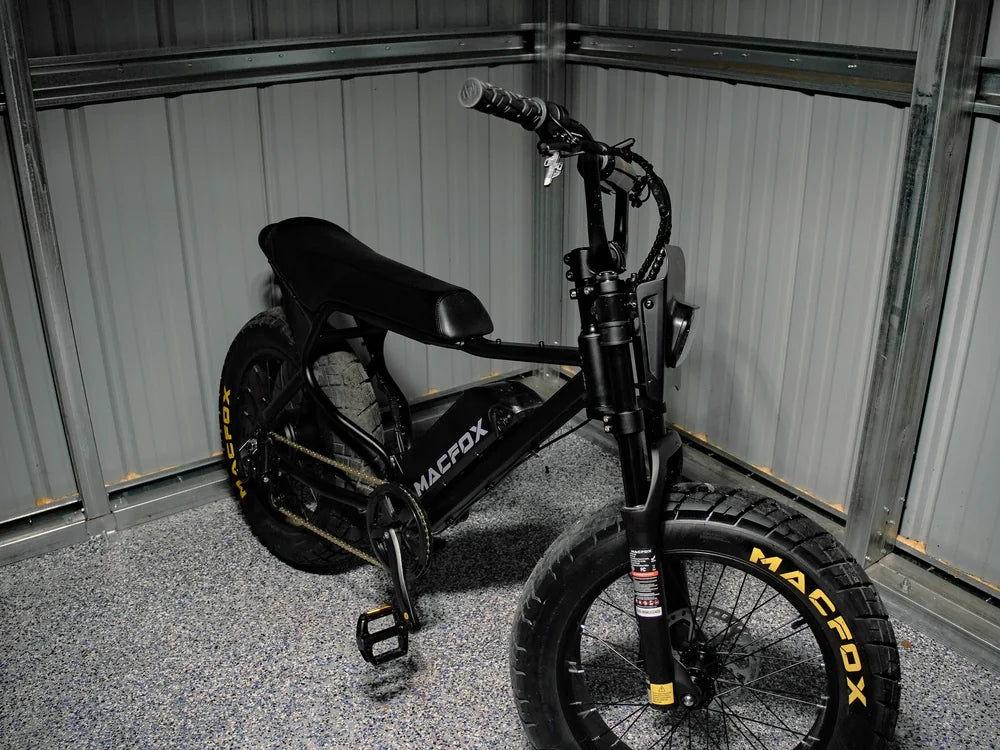
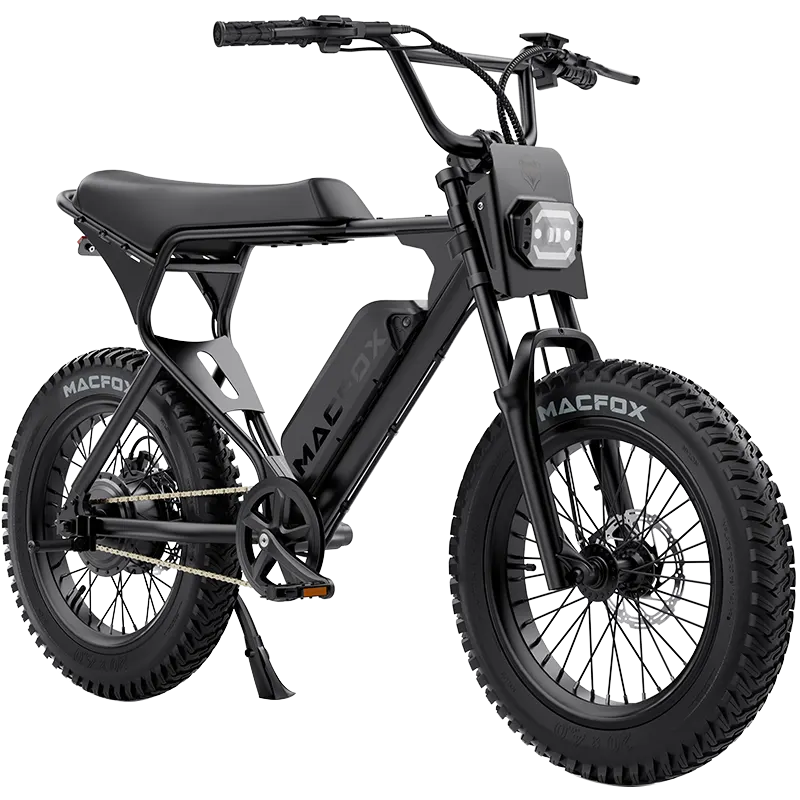
Send one wide photo of the full bike, one close photo of the affected part, and a short video if movement or sound matters. If the issue involves the display, include the display screen before and during the symptom. If it involves shipping or assembly, include the box, labels, and the area where the part arrived.
Do not send ten random photos first. Send the few that prove the condition clearly. If support asks for more, add the exact angles requested.
Use This Message Template
Use this format: model, order email or order number, serial number if available, symptom sentence, when it happens, what you already checked, and attached evidence. Keep each item on its own line.
A good message might say: "Model: X1S. Symptom: the display turns on, then shuts off after about 10 seconds. Timing: after a full charge, before riding. Checked: battery is seated and charger is unplugged. Attachments: display video, battery area photo, full bike photo."
What Not to Include First
Do not lead with a long history of unrelated upgrades, guesses about internal parts, or screenshots that do not show the symptom. Save opinions for later. The first message should make the issue easy to reproduce, verify, and route.
If you want a full evidence checklist, use the e-bike problem documentation guide and keep the records in an e-bike ownership folder so the same details are ready for future support, warranty, resale, or maintenance questions.