
Brief fog after a cold ride can come from a change in temperature or humidity, but it is not a reason to ignore the display. First determine whether the moisture is on the outer surface or behind the lens. If internal fog persists, returns, or appears with flickering, unresponsive buttons, shutdowns, or warnings, contact support.
Do not open the display or add sealant to solve it yourself.
Check Whether the Fog Is Outside or Inside
Turn the e-bike off before inspecting the display. Wipe the outer surface gently with a clean, dry, soft cloth. If the haze clears completely, it was surface moisture. If the cloudy area stays fixed behind the lens or you can see droplets under the window, it is internal.
Note what happened before the fog appeared: moving from cold air into a warm room, riding in rain, washing the bike, or leaving it outside. Short-lived internal haze can occur on some display designs, but do not assume every display handles condensation the same way.

Let the Display Dry Without Opening It
Removal procedures vary across electric bikes. If the display is designed to be removable, follow its manual and store it in a dry room after the ride. If it is fixed, leave it installed and move the entire bike to a dry location.
Let the display reach the indoor temperature gradually. Do not pry open the housing, drill a vent, aim direct high heat at it, or apply glue or silicone around the case. Those actions can damage the assembly and make the original moisture path harder to diagnose.
Test the Display Before the Next Ride
After the fog has cleared, power the bike on while it is stationary. Check that the screen is readable, the backlight is steady, the buttons respond, and the battery and assist indicators behave normally. Watch for flickering, dim areas, unexpected restarts, missing information, or a warning message.
Do not blame every display fault on condensation. A loose connector, damaged housing, low display battery, or another electrical problem may need a different diagnosis.
Record Repeat Fogging and Contact Support
Take a photo while the fog is visible. Record the weather, rain or wash exposure, the indoor-outdoor temperature change, how long the fog lasted, and any change in display function.
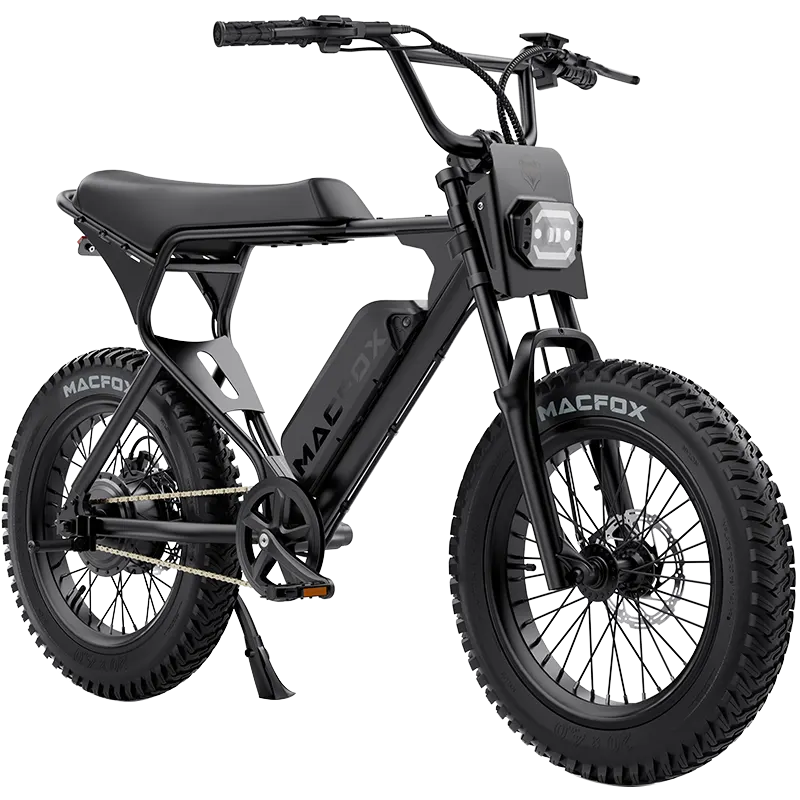
Ask the manufacturer or a qualified service provider to inspect the system when internal fog does not clear in a dry room, repeatedly returns, appears as visible droplets, follows a hard impact, or comes with functional problems. For broader information about display features, compatibility, and weather resistance, use Macfox's e-bike LCD display guide.
FAQ
Can I keep riding when the display is fogged?
If only the outer surface was damp, it wipes clear, and every function is normal, follow the model manual. Stop riding if internal fog blocks information or the display flickers, shuts down, shows warnings, or stops responding.
What should I do with a non-removable display?
Turn the bike off, move it to a dry room, and leave the housing closed. Follow the bike manual and contact support if the fog persists or any function changes.